Chrome/Edge extension for point-and-click scraping to CSV/Excel
Each tool is evaluated against our methodology using public docs, vendor demos, and hands-on testing.
Some links on this page are affiliate links. We earn a commission if you sign up – at no additional cost to you. Our editorial assessment is independent and never paid. How we review.
What is Data Miner?
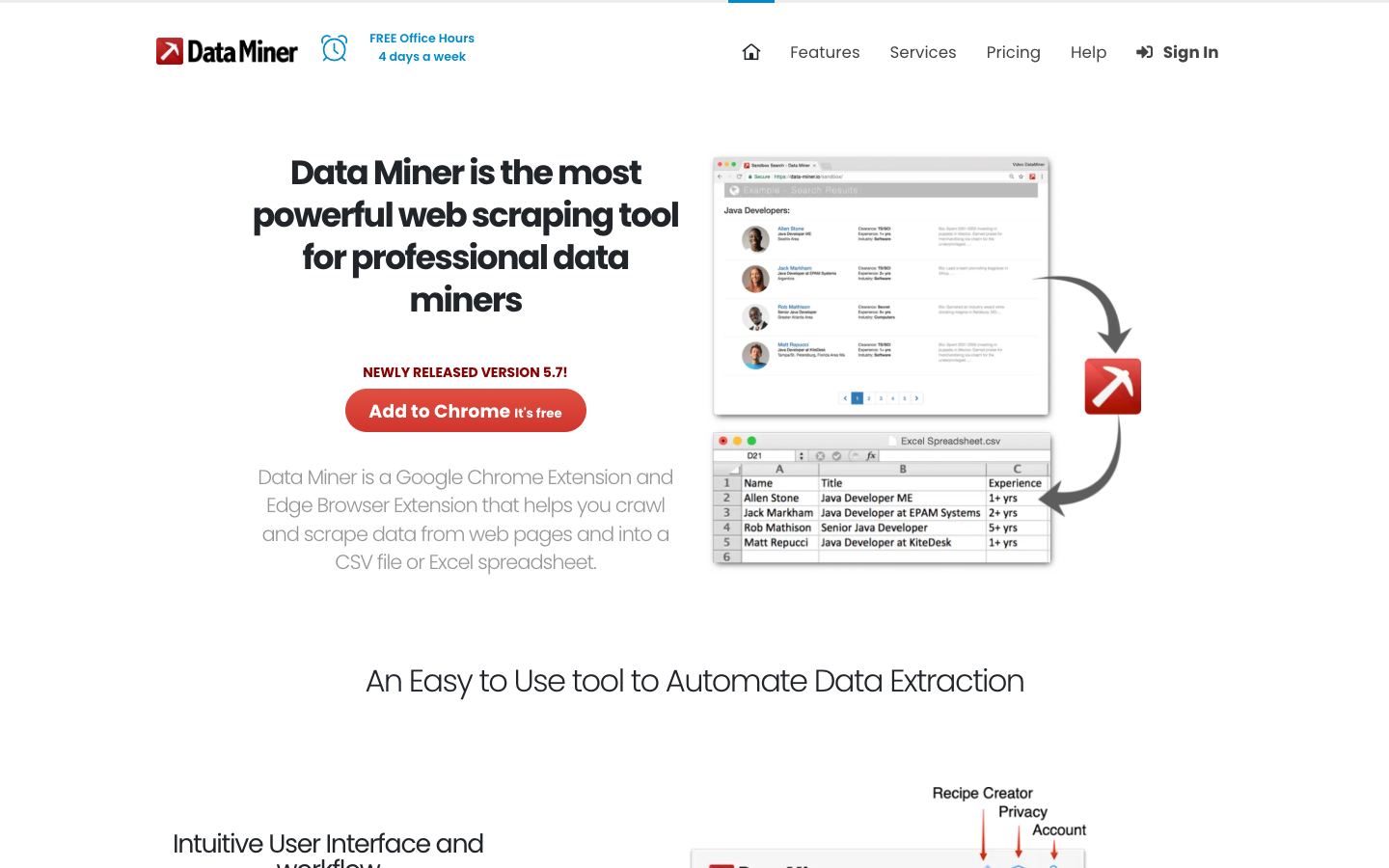
Data Miner is a Chrome and Edge extension for no-code web scraping. It pulls data from pages using pre-built recipes for popular websites, or you can build custom extraction rules with the point-and-click Easy Finder tool, then export results to CSV or Excel. It handles both single- and multi-page scraping, with automatic pagination and form filling.
Our verdict
The recipe library lowers the barrier for scraping well-known sites without writing selectors, which suits non-technical users doing repetitive, one-off extraction jobs. It exists only as a browser extension, not a standalone app or API, so it's a weaker fit for scheduled, server-side, or headless scraping pipelines.
Categories:
No-code scrapers let non-engineers extract data by clicking elements on a page or filling a template, then run the job on a schedule in the cloud. They trade the flexibility of a framework for speed of setup, which suits recurring extraction jobs and teams without a scraping engineer.
No-code tool for training robots to scrape and monitor websites
Freemium·Jul 2026·No-Code Scrapers
No-code scraper that turns web pages into structured data
Freemium·Jul 2026·No-Code Scrapers
Desktop point-and-click scraper for JS-heavy sites, exports JSON/CSV
Freemium·Jul 2026·No-Code Scrapers
How Data Miner compares
Browse AIBrowse AI is a similar no-code tool built around pre-made and custom recipes for extracting data from specific sites.
OctoparseOctoparse is another point-and-click, no-code scraper with visual workflows and export to common file formats.
ParseHubParseHub is also a point-and-click, no-code scraper built for structured data extraction without writing code.