What is Listly?
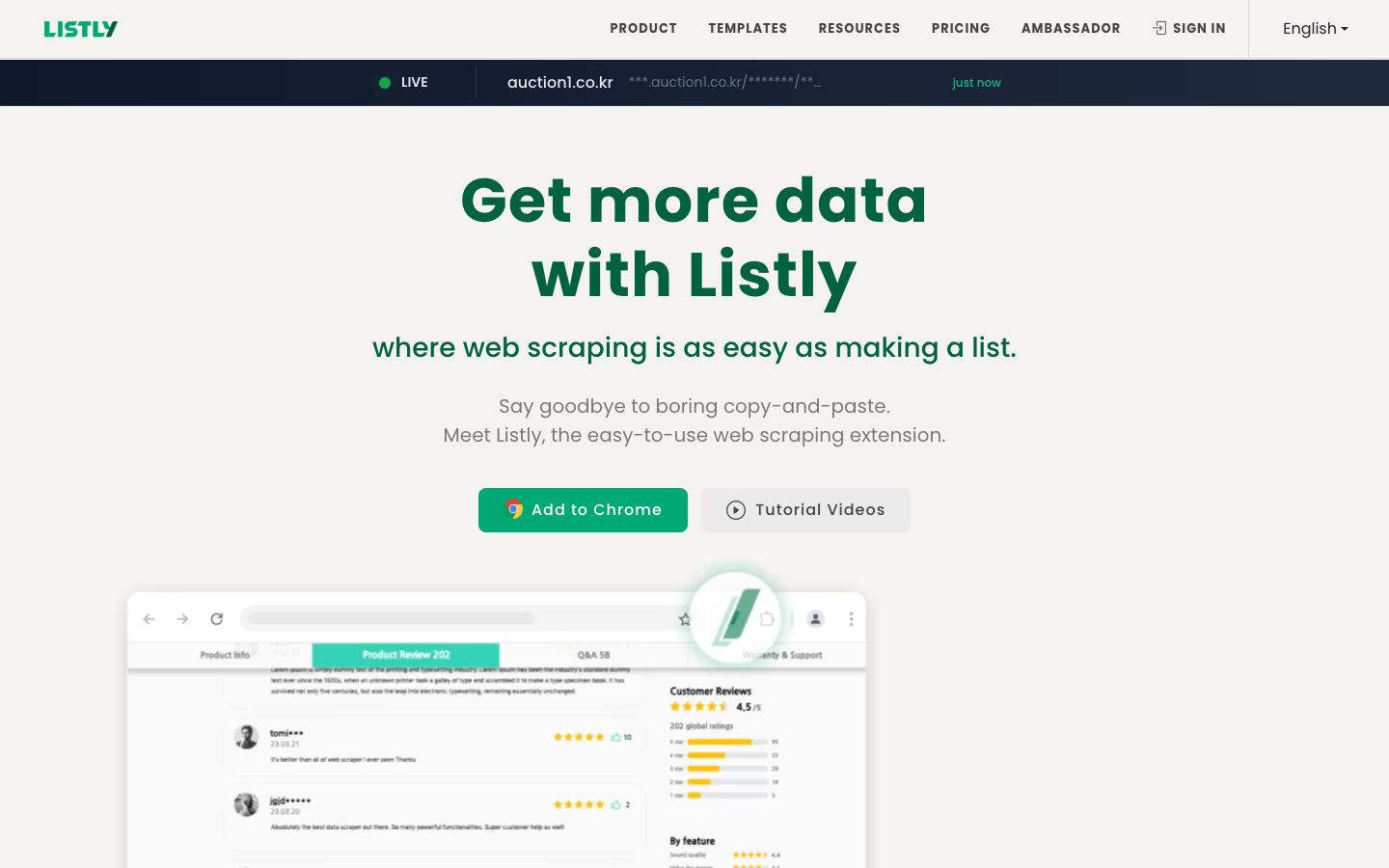
Listly is a no-code browser extension for Chrome, Edge, and Whale. Users click on page elements ("Parts") to define what to extract, then export the result to Excel or CSV. A Tabs feature auto-detects repeating list patterns across open tabs for side-by-side comparison scraping, such as price tracking. Paid tiers add group extraction across multiple URLs, pagination templates, scheduling, a proxy server, parallel extraction, auto-login, auto-scroll, ActionScript automation, and API integration, plus a separate bulk image downloader.
Our verdict
Listly fits non-technical users who want repeatable, in-browser extraction without writing selectors. The Tabs auto-detect feature is a genuine shortcut for comparing listings across tabs. Its 225,000-plus user and 147-country figures are self-reported rather than independently verified, and the scheduling, proxy, and automation features that make it more than a manual clicker sit behind paid tiers.
Categories:
No-code scrapers let non-engineers extract data by clicking elements on a page or filling a template, then run the job on a schedule in the cloud. They trade the flexibility of a framework for speed of setup, which suits recurring extraction jobs and teams without a scraping engineer.